
Moomoo trade import and journal
Turn Moomoo trade history into clear lessons and measurable patterns.
Import supported Moomoo trade history into TradeStaxx, review trades, analyze performance, and improve with a structured journal.
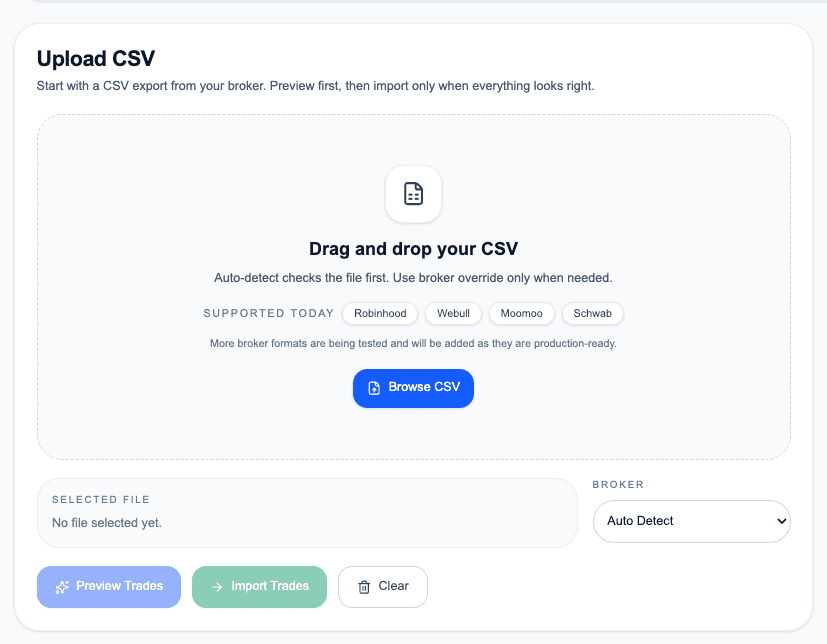
Import workflow
Bring your Moomoo trading history into TradeStaxx.
Upload a supported Moomoo export, organize the trade data, and connect each trade with review notes, screenshots, tags, and analytics.
- Supported CSV import workflow
- Unlimited manual trade entry
- Trading journal and calendar
- Advanced analytics with Pro
- Trade replay with Pro
Moomoo trading journal
Review more than the final P&L
Journal every trade
Add notes, screenshots, tags, mistakes, and lessons to imported trades.
Analyze performance
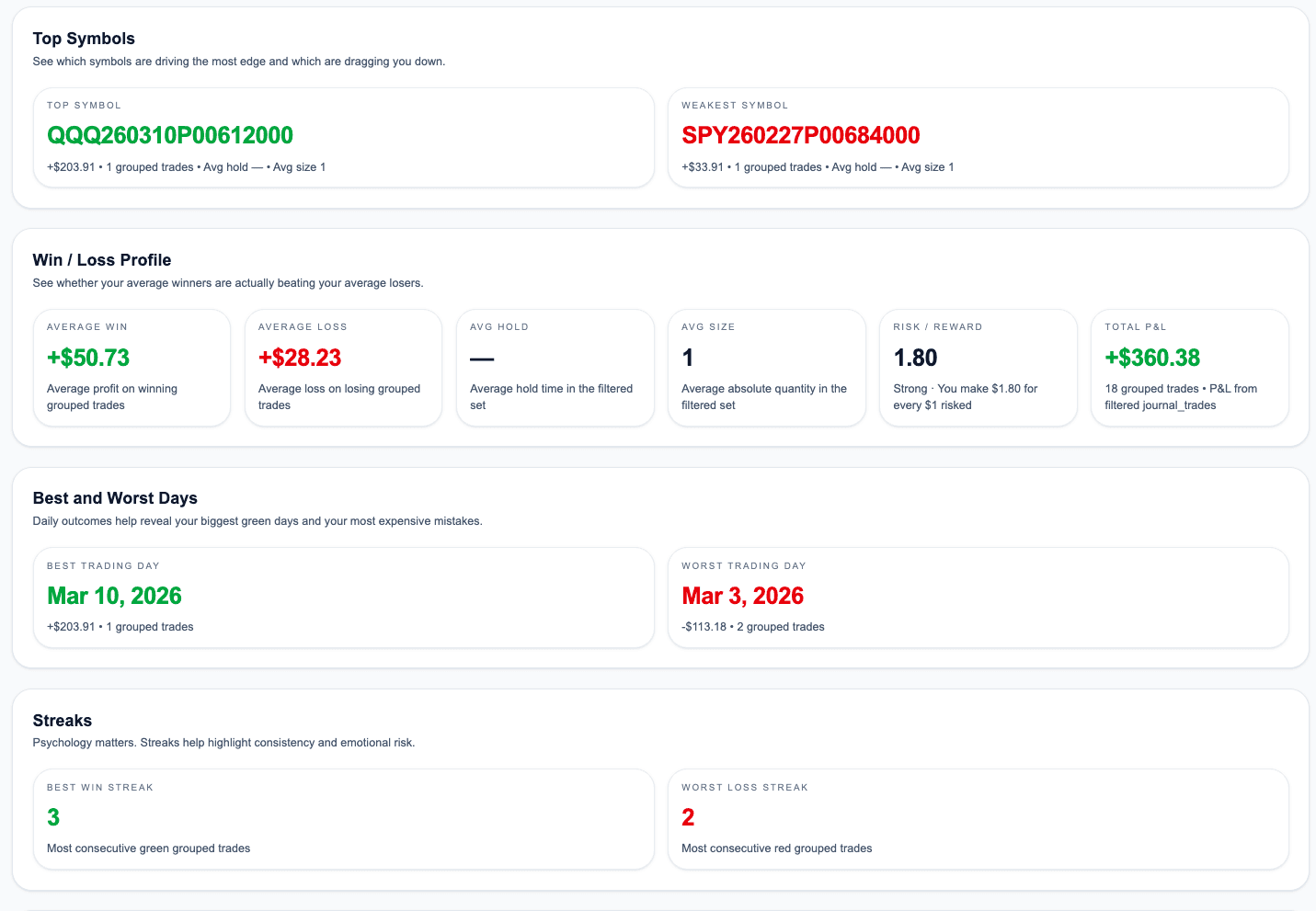
Break down results by setup, symbol, direction, time, and other trade attributes.
Improve the process
Turn repeated patterns into specific rules for your next trading session.
What you can review
Turn imported data into useful decisions.
- Review every trade with complete context
- Measure setup and symbol performance
- Spot recurring mistakes and strong habits
- Use the calendar to review consistency
Frequently asked questions
Questions about the Moomoo trading journal
Can I import Moomoo trades into TradeStaxx?
Yes. TradeStaxx supports a Moomoo CSV import workflow for supported export formats.
How many Moomoo imports are included with Free Beta?
Free Beta includes 2 CSV imports per month. Pro includes unlimited CSV imports.
Can I attach notes and screenshots?
Yes. TradeStaxx is designed to connect trade data with notes, screenshots, tags, and lessons.
Start your Moomoo journal
Import the history. Review the decisions. Improve the process.
Start with Free Beta and use one of your monthly CSV imports to bring supported Moomoo trade history into TradeStaxx.